For writers, reviewers and creators
FeedFare press kit
Walk first. Scroll later.
FeedFare turns walking into earned time for apps you choose. Connect your steps, choose apps to protect, and spend earned minutes on a timed session for one app. You can adjust the walking rule, and unused minutes carry over.
Built by independent developer Nick Rae, FeedFare is a native SwiftUI app for a more intentional pause before your next scroll.
Full app. One purchase. US $4.99 once, with no required subscription, in-app paywall or FeedFare account. Apple shows regional prices, compatibility and purchase eligibility.
View FeedFare on the App StoreQuick facts
| App | FeedFare: Earn Screen Time |
|---|---|
| Developer | Nick Rae / Nicholas Rae |
| Public version | 2026.9.28 |
| Devices | iPhone and iPad; iOS or iPadOS 17 or later |
| Category | Health & Fitness |
| Language | English |
| Walking rule | Default: 100 steps earns 5 minutes. Adjustable in Settings. |
| Timed access | One selected app per session; other selected apps stay protected. |
| Selection limits | Up to 50 selected apps. Website blocking is not included. |
Public offer checked October 11, 2026. Check Apple’s listing for the latest version and your regional price.
Permissions and privacy
Health or Motion & Fitness access supplies steps. Screen Time authorization enables app protection. Reminders are optional. Apple Watch steps can be read after they sync to Health on the iPhone; updates can be delayed.
Progress and app selections are stored locally in the native app. The native release has no advertising or third-party analytics SDK and does not require a FeedFare account. Apple’s device backup and diagnostic settings still apply. Read the privacy policy and permission guide.
FeedFare supports a person’s own app choices. It is not a remote parental-control system or a guarantee of uninterrupted protection. Permission changes and system behavior can affect enforcement. See protection help and limitations.
Icon and app images

Approved app icon

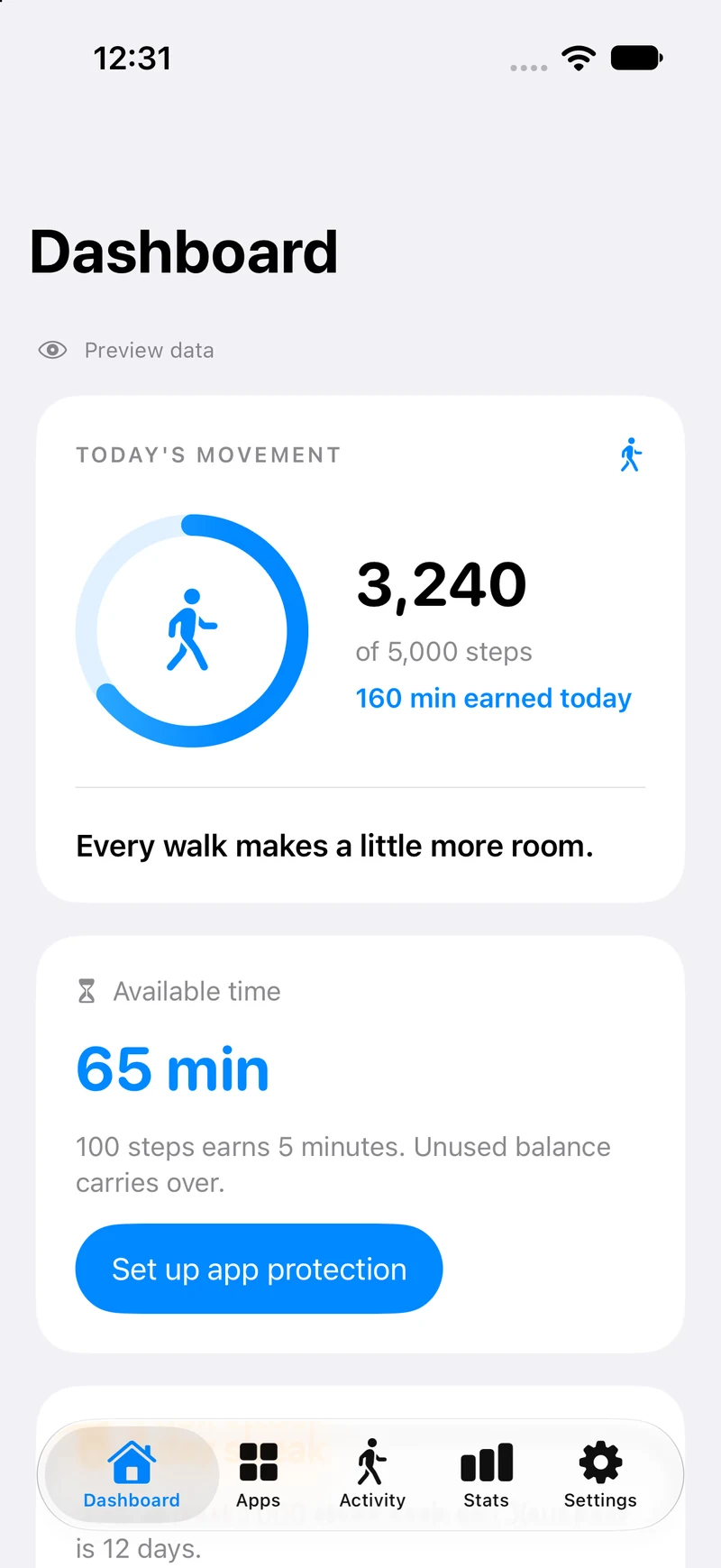
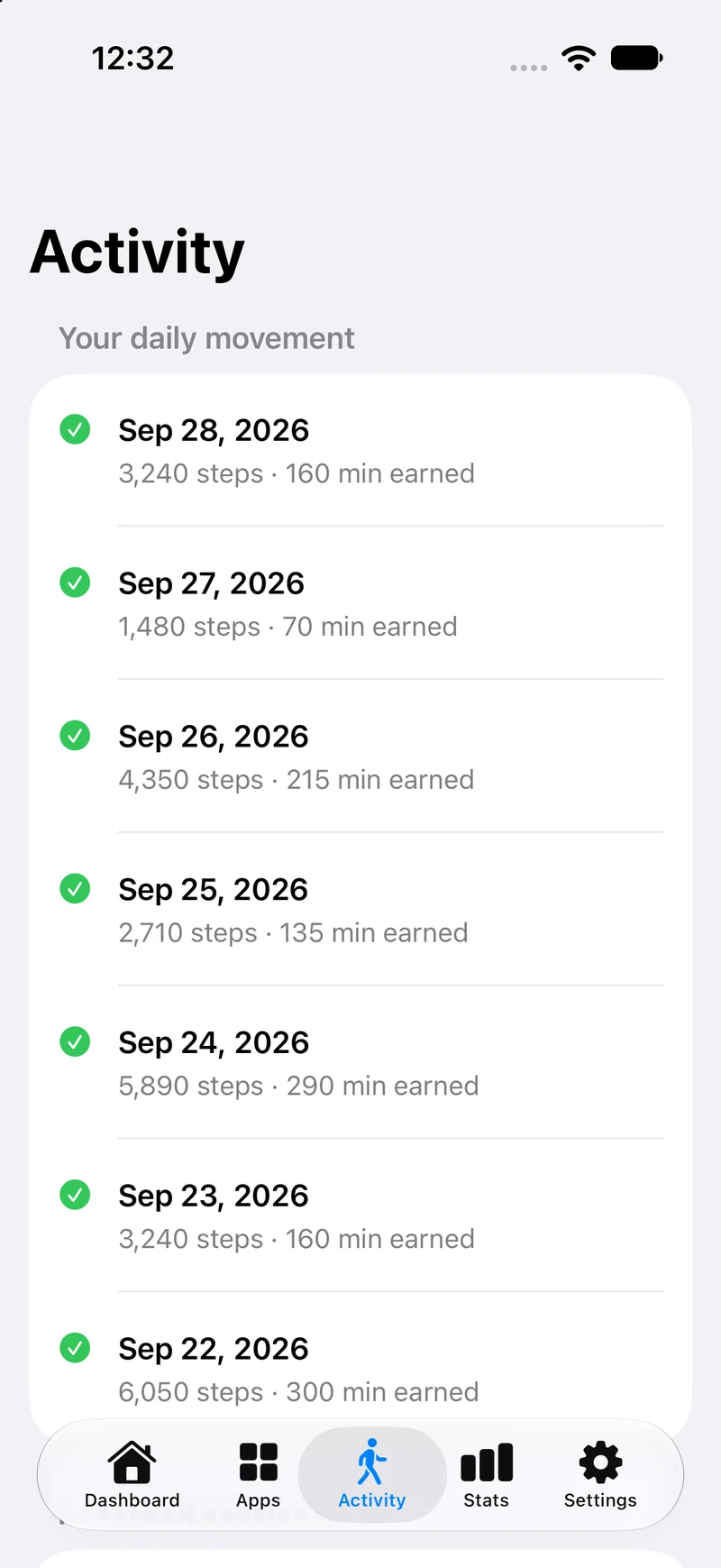
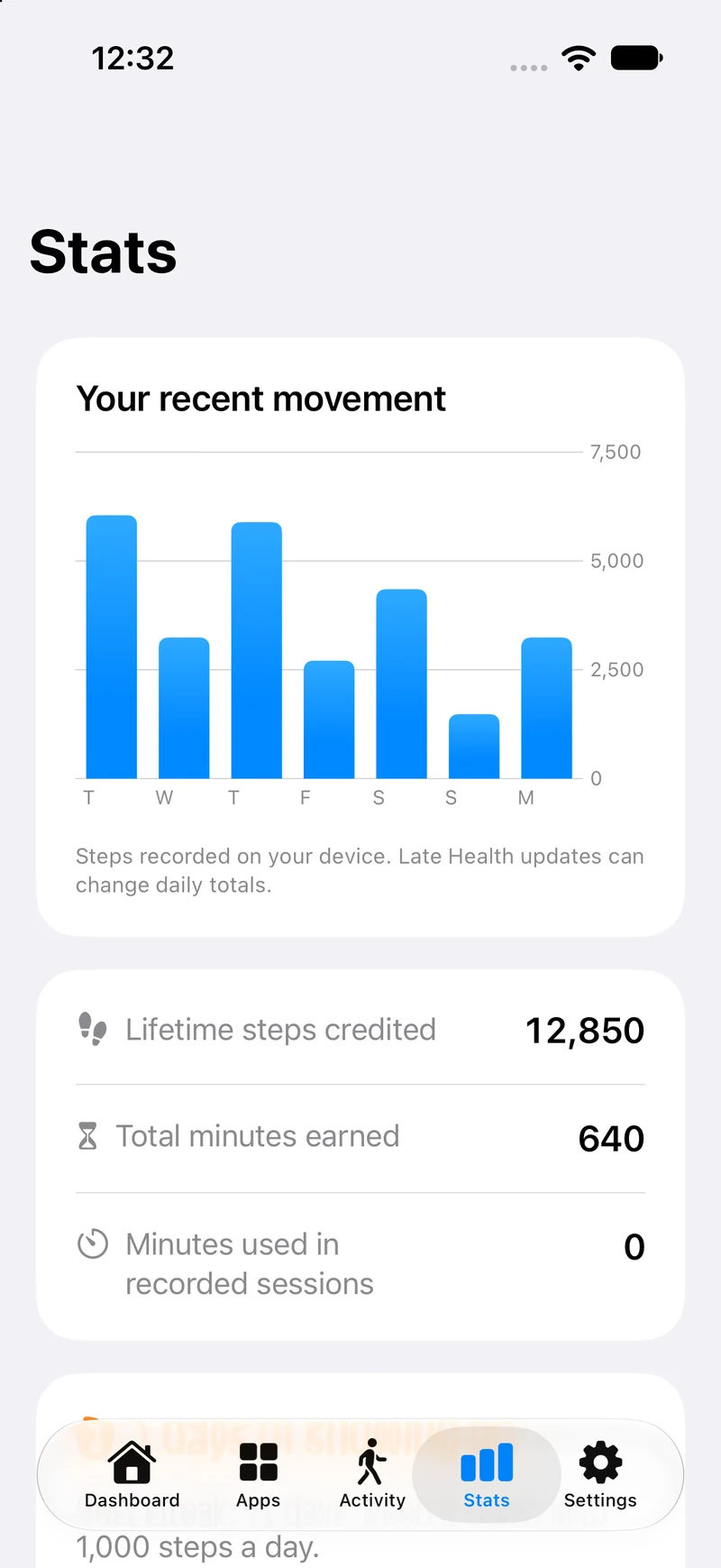
The following images show actual native FeedFare 2026.9.28 screens captured in a simulator with example data. They do not show a customer’s progress or demonstrate physical-device step sensing or enforcement. Keep that context with reproduced images.
Published demonstrations
56-second modeled walkthrough
A temporary demonstration build illustrates the earning calculation and a five-minute session, with the wait shortened in the edit. Its Demo App controls are not shipping app controls.
Simulator demonstration. Steps and protection are simulated. This does not show a physical walk, Health updates, an external app unlocking or iOS Screen Time enforcement.
Watch the modeled walkthrough24-second walking-rule preview
Actual simulator UI shows the walking rule changing from 100 to 150 steps and from 5 to 6 minutes. Progress is example data, and step connections and protection are off in this recording. It is an interface preview.
Watch the Settings previewKeep the simulator and example-data disclosures intact when sharing either video. Reviewers should test the public app on their own supported device.
Contact Nick
For editorial questions or a walkthrough of the app, contact nick@nickrae.net. Candid setup feedback is welcome.